Close Menu

    Subscribe to Updates

    Get the latest creative news from FooBar about art, design and business.

    What's Hot

    Best Programming Languages 2026: Developer Guide and Trends: The Complete Breakdown Nobody Asked For

    April 13, 2026

    Samsung Galaxy S26 Ultra Review: The New Android King: The Complete Breakdown Nobody Asked For

    April 11, 2026

    I Tested GPT-5 Released: Complete Review and Benchmark Results for 30 Days: Here is the Truth

    April 11, 2026
    Facebook X (Twitter) Instagram
    • About Us
    • Privacy Policy
    • Submit post
    Facebook LinkedIn
    Login
    DastgeerTech StudioDastgeerTech Studio
    • Home
    • Technology

      Top Car Technologies in 2025: Best Features and Leading Car Variants

      November 21, 2025
      Read More

      Apple Event 2025: Hurrah! Apple Set to dazzle the World with the Groundbreaking Next-Gen iPhone & Apple Watch on September 9

      September 5, 2025
      Read More

      Angular Deferred Loading with @defer: Complete Guide to Faster Load Times & Better UX

      September 3, 2025
      Read More

      GitHub for Developers: The Ultimate Guide to Mastering Version Control, Collaboration

      April 19, 2025
      Read More

      Samsung Galaxy A56 Review: Is It Still the Mid-Range King?

      April 15, 2025
      Read More
    • People’s Favorite
    • Featured
    • Angular

      What is a PWA? The Future of Mobile-First Web Experience

      October 21, 2025
      Read More

      Angular Deferred Loading with @defer: Complete Guide to Faster Load Times & Better UX

      September 3, 2025
      Read More

      Learn Angular A Comprehensive Guide with Examples

      April 11, 2025
      Read More

      Email Automation with Node.js & Angular: Step-by-Step 2025

      April 1, 2025
      Read More

      Advanced JavaScript Coding Questions and Answers

      February 26, 2025
      Read More
    • Gadgets
    • Blog
        Featured

        Best Gaming: A Look at the Best Gaming Experiences in 2024

        adminJune 30, 2024
        Read More
        Recent

        Best Value Flagship Phones 2026: Top Picks & Reviews

        February 28, 2026

        AI Won’t Replace Web Developers – But THIS Will Change Everything 2026

        November 29, 2025

        How to Fix a Slow Loading Website: 2025 Guide for Beginners

        November 29, 2025
      DastgeerTech StudioDastgeerTech Studio
      Home » Must-Have VS Code Extensions for Developers in 2024
      Blog

      Must-Have VS Code Extensions for Developers in 2024

      adminBy adminJune 16, 2024No Comments4 Mins Read
      Share Facebook Twitter Pinterest LinkedIn Tumblr Reddit Telegram Email
      Must-Have VS Code Extensions for Developers in 2024
      Share
      Facebook Twitter LinkedIn Pinterest Email

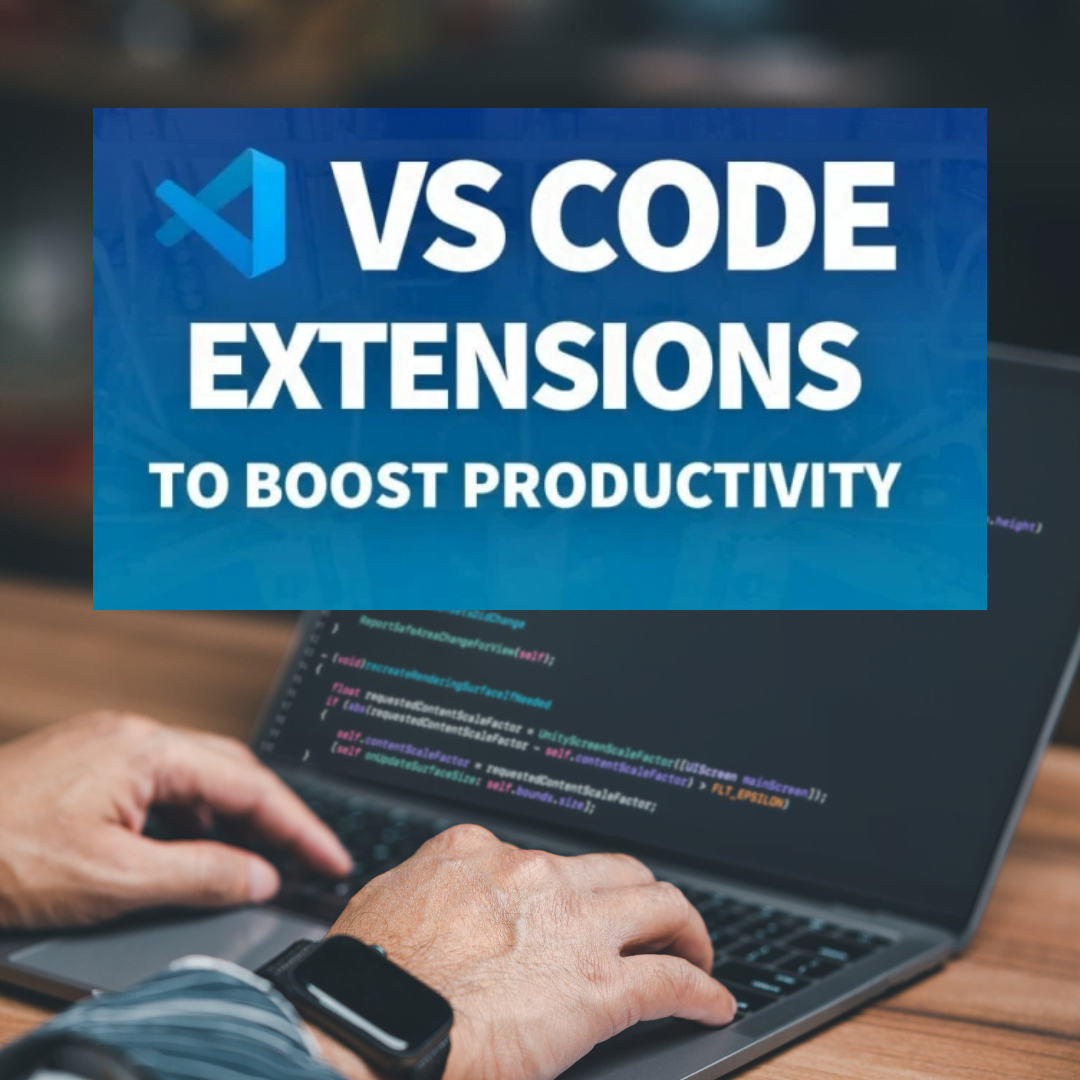
      In the fast-paced world of development, having the right tools at your fingertips is essential for maximizing your efficiency and creativity. Here, we delve into the best VS Code extensions for developers in 2024, categorized to empower your workflow across various aspects of coding.

      Must-Have VS Code Extensions for Developers in 2024

      VS Code Extensions Essential Building Blocks for a Smooth Development Experience:

      • ESLint: VS Code extensions: This extension acts as your code guardian, identifying and fixing potential errors in your JavaScript code. Consistent, high-quality code becomes effortless with ESLint, allowing you to focus on building innovative features.
      • Prettier: Imagine never having to worry about inconsistent code formatting again. Prettier takes care of that by automatically formatting your code according to a set of style rules. This not only improves readability for you and your collaborators but also enforces a consistent coding style across your entire project.
      • Live Server: Streamline your development workflow with Live Server. This extension launches a local development server with live reload functionality. Any changes you save in your code will be automatically reflected in the browser, eliminating the need for manual refreshes. This allows you to see the impact of your code modifications instantly, speeding up the development process.
      • GitLens: Version control is paramount for any developer, and GitLens supercharges your Git experience within VS Code. It allows you to visualize code authorship, explore commit history with an interactive interface, and navigate between different versions of your code with ease. This comprehensive overview empowers you to collaborate effectively and track changes efficiently.

      VS Code extensions Boost Your Productivity with Time-Saving Extensions:

      • Settings Sync: Tired of manually configuring VS Code on every machine you use? Settings Sync eliminates that hassle by synchronizing your VS Code settings across machines. This ensures a consistent development environment wherever you code, allowing you to jump right in without wasting time on setup.
      • Code Runner: No more switching between your code editor and terminal to run code snippets or entire files. Code Runner empowers you to execute code directly within VS Code. This streamlines your workflow and saves you valuable time by eliminating context switching.
      • Path Intellisense: VS Code extensions: Spend less time navigating through your project folders and files. Path Intellisense offers intelligent suggestions for file and folder paths as you type, making it easier to locate specific code elements within your project structure. This is a lifesaver for large projects with complex folder hierarchies.
      • Bookmarks: Let’s face it, even the most experienced developers sometimes need to revisit specific sections of code. Bookmarks allow you to mark important lines of code for easy reference. This eliminates the need to scroll through long files repeatedly, saving you time and frustration.

      Google Pixel 8 & 8 Pro: Unveiling the Latest Android Powerhouse

      Take Your Web Development Skills to the Next Level:

      • REST Client: Testing and debugging APIs is an integral part of web development. REST Client simplifies this process by allowing you to send HTTP requests directly from VS Code. You can construct requests, view responses, and manage different API environments, all within the familiar VS Code interface. This extension streamlines your API development workflow and helps identify and resolve issues efficiently.
      • HTML CSS Support: VS Code extensions: Web development involves working with HTML, CSS, and related technologies. HTML CSS Support provides advanced language support for these languages, including code completion, linting for error checking, and formatting functionalities. This comprehensive extension empowers you to write cleaner, more maintainable code while reducing errors and saving development time.
      • Live Share: Collaboration is key in many development projects. Live Share enables real-time collaboration on your code with other developers directly within VS Code. You can share your workspace, edit code simultaneously, and even chat with your collaborators within the extension. This fosters better communication and teamwork, leading to more efficient development cycles.
      VS Code

      For the Power Users: Advanced Functionality Extensions:

      • Debugger for Chrome/Firefox: Efficient debugging is crucial for identifying and resolving issues in your code. Debuggers for Chrome/Firefox integrate seamlessly with VS Code, allowing you to step through code execution, set breakpoints, and inspect variables. VS Code extensions empowers you to pinpoint bugs and fix them quickly, keeping your development process on track.
      • Docker: If containerized development is your workflow, the Docker extension provides comprehensive support for working with Docker containers directly from VS Code. You can build, run, and manage your containers efficiently within the VS Code interface. This streamlines your container development workflow and eliminates the need to switch between different tools

      code formatting debugging extensions developer tools GitLens Live Server productivity extensions VS Code extensions web development extensions
      Share. Facebook Twitter Pinterest LinkedIn Tumblr Email
      Previous ArticleGoogle Pixel 8 & 8 Pro: Unveiling the Latest Android Powerhouse
      Next Article Developer Laptops: Top Developer Laptops in 2024 for Every Need
      admin
      • Website
      • Facebook
      • Pinterest
      • LinkedIn

      Welcome to Dastgeertech Studio! We are a dynamic and innovative tech company based in Lahore, Pakistan. At Dastgeertech Studio, we are dedicated to providing cutting-edge technology solutions tailored to meet the unique needs of our clients.

      Related Posts

      Blog

      Best Value Flagship Phones 2026: Top Picks & Reviews

      February 28, 2026
      Read More
      Artificial Intelligence

      AI Won’t Replace Web Developers – But THIS Will Change Everything 2026

      November 29, 2025
      Read More
      Blog

      How to Fix a Slow Loading Website: 2025 Guide for Beginners

      November 29, 2025
      Read More
      Add A Comment

      Leave a ReplyCancel reply

      This site uses Akismet to reduce spam. Learn how your comment data is processed.

      Top Posts

      How to Fix CORS Error in .NET Core: A Step-by-Step Guide

      September 16, 2024172 Views

      aaPanel Free Web Hosting Control Panel Installation on Ubuntu

      August 3, 202462 Views

      Google Pixel 8 & 8 Pro: Unveiling the Latest Android Powerhouse

      June 16, 202435 Views
      Latest Reviews
      Most Popular

      How to Fix CORS Error in .NET Core: A Step-by-Step Guide

      September 16, 2024172 Views

      aaPanel Free Web Hosting Control Panel Installation on Ubuntu

      August 3, 202462 Views

      Google Pixel 8 & 8 Pro: Unveiling the Latest Android Powerhouse

      June 16, 202435 Views
      Our Picks

      Best Programming Languages 2026: Developer Guide and Trends: The Complete Breakdown Nobody Asked For

      April 13, 2026

      Samsung Galaxy S26 Ultra Review: The New Android King: The Complete Breakdown Nobody Asked For

      April 11, 2026

      I Tested GPT-5 Released: Complete Review and Benchmark Results for 30 Days: Here is the Truth

      April 11, 2026
      © 2016 Dastgeertech Studio. All rights reserved.
      • Dastgeertech Studio
      • Technology
      • Privacy Policy
      • About Us
      • Blog

      Type above and press Enter to search. Press Esc to cancel.

      Ad Blocker Enabled!
      Ad Blocker Enabled!
      Our website is made possible by displaying online advertisements to our visitors. Please support us by disabling your Ad Blocker.

      Sign In or Register

      Welcome Back!

      Login below or Register Now.

      Lost password?

      Register Now!

      Already registered? Login.

      A password will be e-mailed to you.